
Rich Document Editor
- Full text formatting with headings, lists, quotes, formatting features and more!
- Keyboard shortcuts for fast editing.
- Auto-save keeps your work safe so you always have old version.
- Clean, distraction-free writing environment.
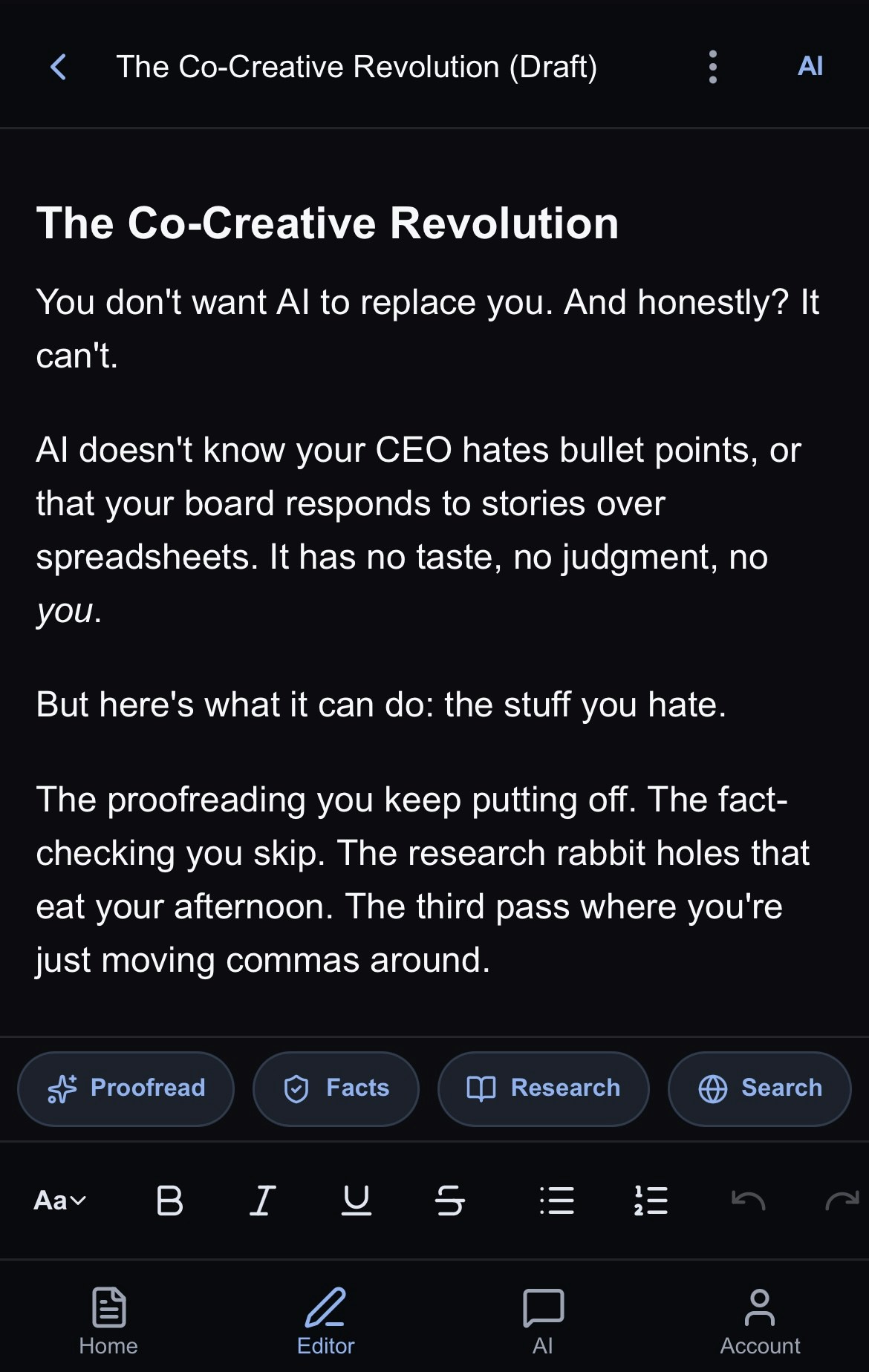
AI-Powered Tools
- AI Assistant - Jeannie is your universal editor that can rewrite, restructure, expand, or refine any part of your document on command
- Deep Research- Get comprehensive, cited research on any topic
- Web Search - Find current information from the web in real-time
- Fact Checking - Verify claims and citations in your writing
- Proofreading - Get grammar, style, and clarity suggestions
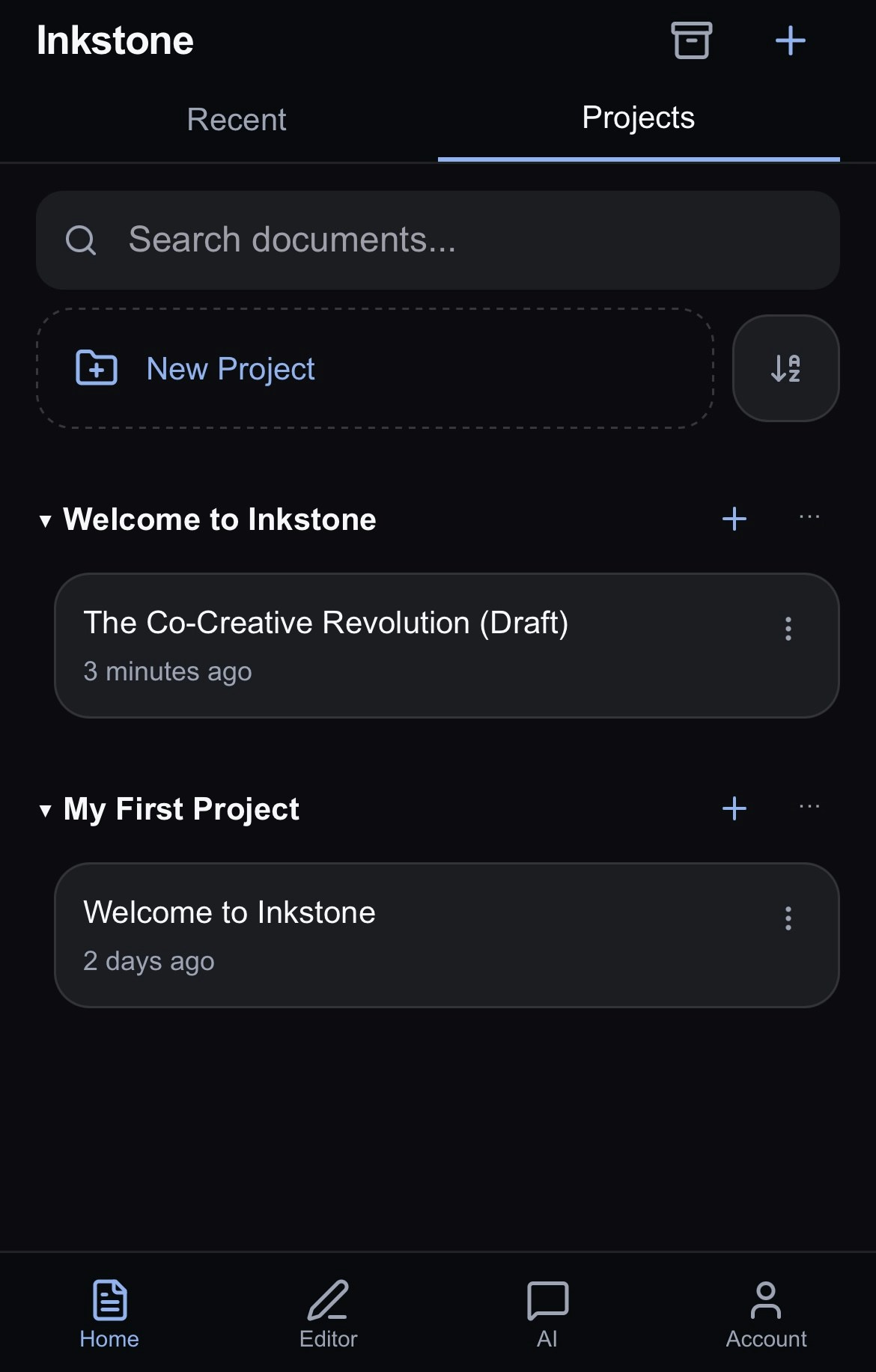
Project Organization
- Group related documents into projects
- Easily save research documents and web searches as new documents in your project for easy reference
- View all of your projects on the Home screen. Learn more here.
Next Steps
New to Inkstone? Start here:- The Home Page: an overview of documents, projects and organisation on the home page
- Editing your documents: how to use the Editor
- AI Chat: learn how to chat with Jeannie to get the most from your AI assistant
- Account: adjust settings, manage billing and contact support