
Billing
Here you can see the plan you’ve subscribed to as well as the credits you have remaining for the month.When you subscribe to Inkstone, you automatically get a free plan. If at some point you want to upgrade your plan, you can do so from here, just click Manage Subscription.
Theme
Switch between light mode, dark mode, or system settings depending on your preferences.Documentation
If you ever need to refer back to this guide, you can do so from here.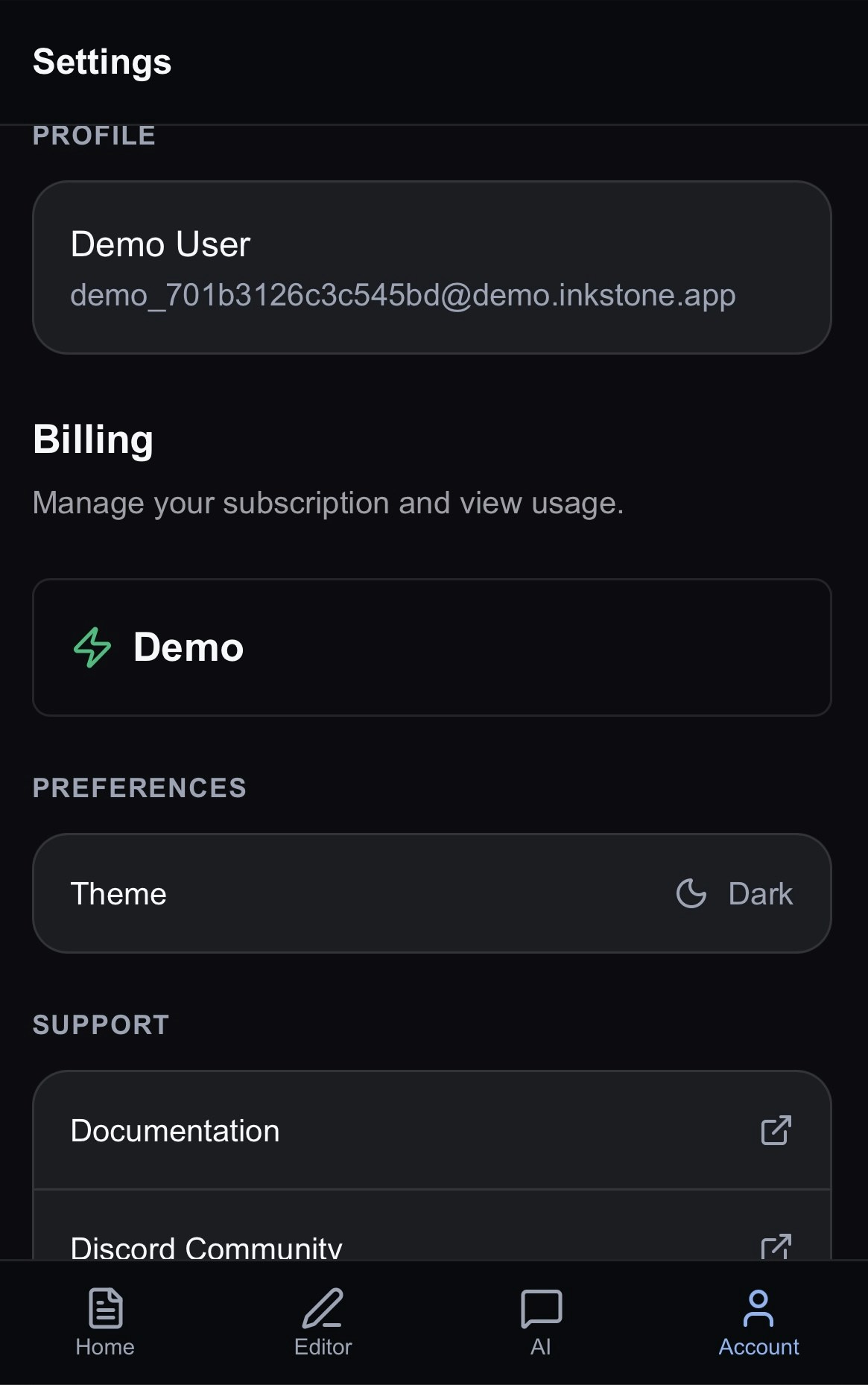
Discord
Join our Discord community! We always post newest updates and announcements in our Discord channel first. Come say hi!Support
If at any point you need help with something, reach out to the team and let us know by sending an email to support@inkstone.pro.Sign Out
Choose to log out of the app when you’ve finished. All your work will be saved for when you log in again.Next Steps
You’ve completed the documentation tour! It’s time to jump into Inkstone!If you want to refresh your knowledge, you can refer back to these pages: Getting started: the initial overview of Inkstone
The AI Chat: a refresher on how to work with Jeannie
The Editor: write without noise in Inkstone