
- Current events - News and recent developments and articles
- Quick facts - Dates, statistics, definitions
- Real-time data - Stock prices, weather, scores
- Verification - Checking if something is accurate
Starting a Web Search
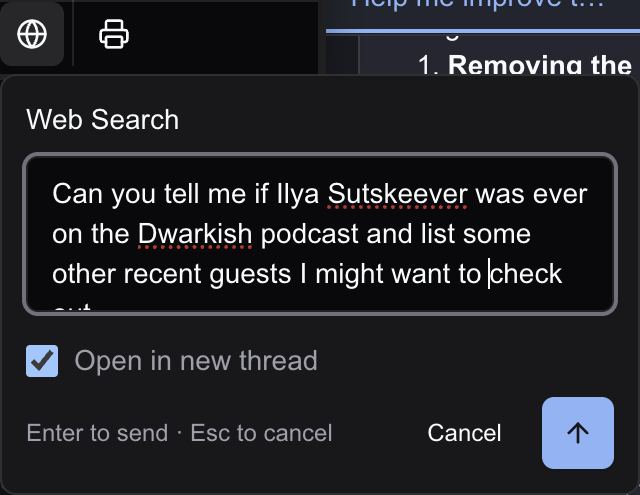
- Head to the AI menu in the toolbar
- Ask the AI in the chat panel to do a web search OR select the Web Search button on the tool panel with the icon
- Enter your search query
- Choose whether to open results in a new thread or current thread
- Press Enter or click the search button
Writing Effective Queries
Web Search works best with direct, specific queries:Good queries:
- “What was the population of Tokyo in 1976 and compare it to the population in 2025”
- “What’s the latest iPhone software version and are people reporting lots of bugs?”
- “Who won the 2024 Nobel Prize in Literature and tell me their history”
Understanding Results
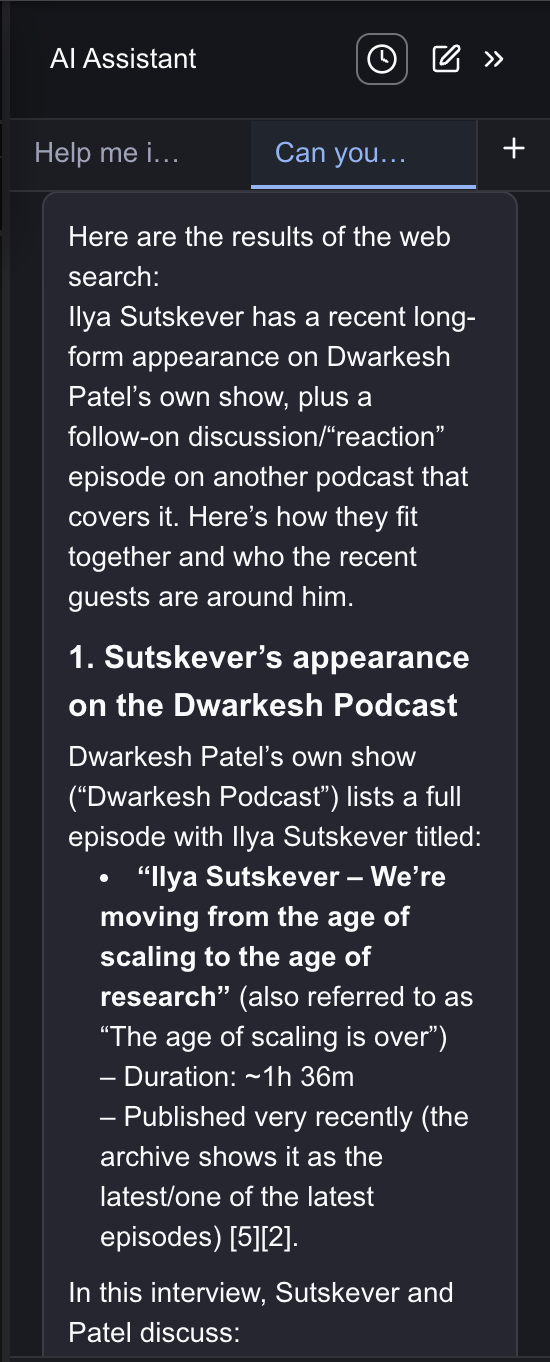
Using Results in Your Document
After reviewing your search results, you have three ways to use the information:Copy to Clipboard
Copy the entire response to your clipboard. Paste into other apps, emails, or anywhere outside Inkstone.
Insert into Document
Add results directly at your cursor position. Ideal for incorporating facts or quotes into your current work.
Create New Document
Generate a new document with the results. Perfect for saving research separately or building a reference collection.
The Result
Once inserted or created, the content becomes regular editable text. You can format it, trim it down, expand on certain points, or use it as a starting point for your own writing. Jeannie remains available in the same thread if you need follow-up searches or want to refine the information further.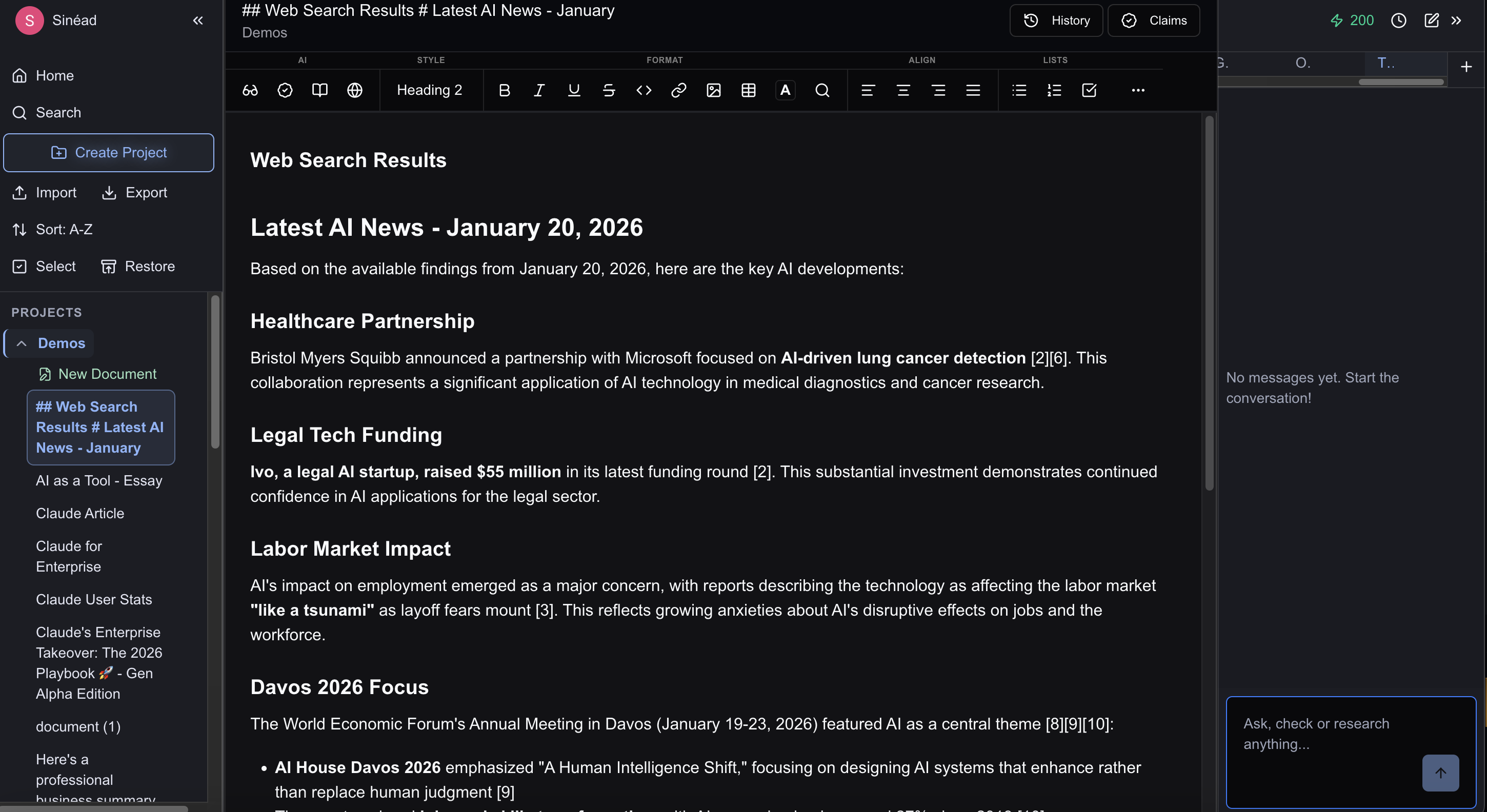
Web Search vs. Deep Research
Limitations
- Results depend on what’s available online
- May not find paywalled content
- Very recent events (minutes ago) may not be indexed
- Cannot access private or restricted information
Next Steps
- Proofreading - Polish your writing with grammar and style suggestions
- Fact Checking - Verify claims in your writing