Importing
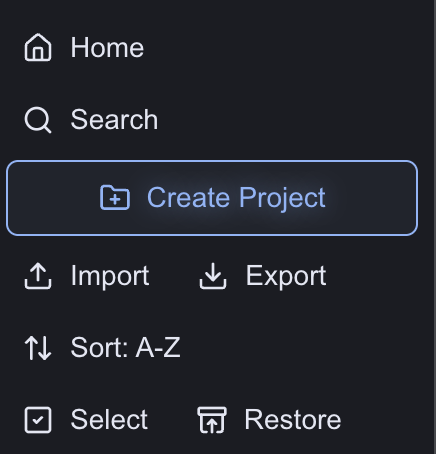
To import your doc, click Import at the top of the menu in the sidebar on the left.
Your file explorer will pop up, and you can select the document you want to upload to Inkstone. You can import any file in .docx, .pdf, .md or .rtf format.
The document will be converted and added to the project you currently have open. Once the document is converted, it will open on screen and you can begin editing it.