
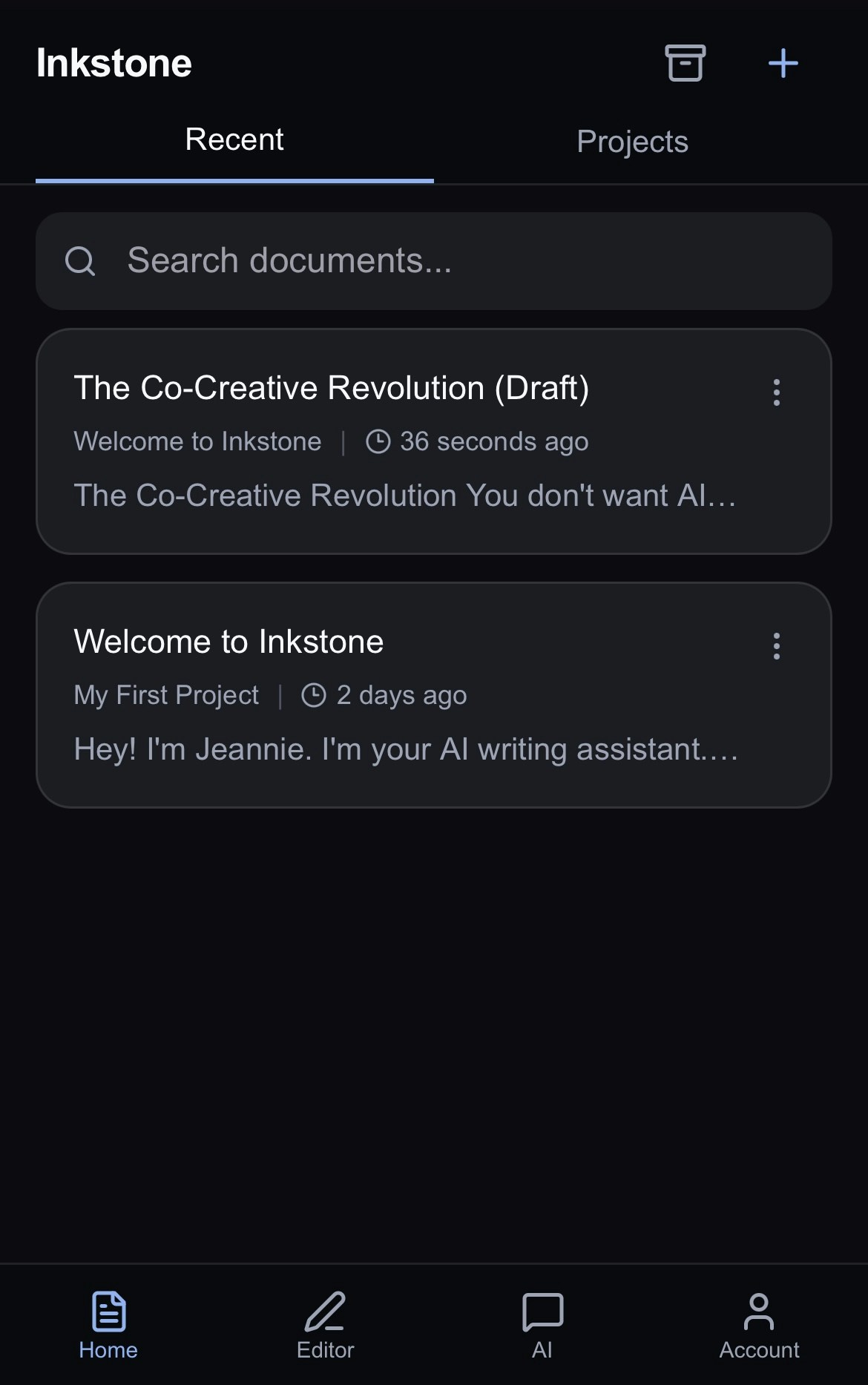
Recent View
See all your recently edited documents at a glance.From here, you can tap any document card to open it or search a specific documentorTap the on the document card to:
- Open your document.
- Share your work with another Inkstone user.
- Move your document to another project.
- Archive (or delete) your document from view.
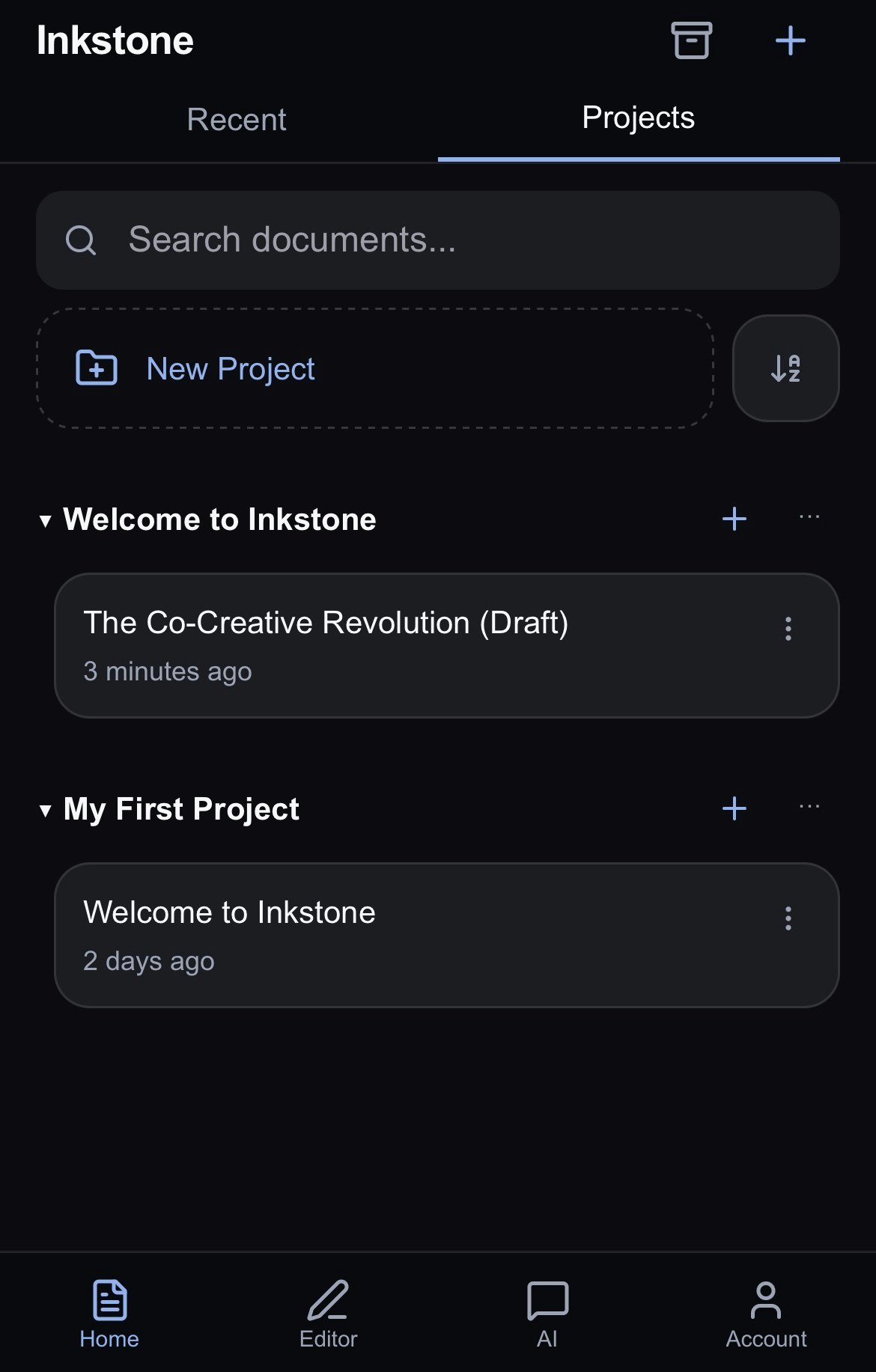
Project View
- See all your work organized by projects.
- Search for a specific document using the search bar, or create a new project using the New Project button at the top of the page.
- Choose to sort alphabetically or by recently edited.
- Shared with me contains all the projects shared with you by other Inkstone users.
- The blue + next to the name of your project allows you to create a new document within that project.
- The next to the blue + contains various options:
- Rename the project
- Share the project with friends or colleagues
- Archive the project
- Archived: view and restore archived projects
- Create: create a new untitled project
Next Steps
- Editing your documents: how to use the Editor
- AI Chat: how to chat with Jeannie to get the most from your AI assistant