
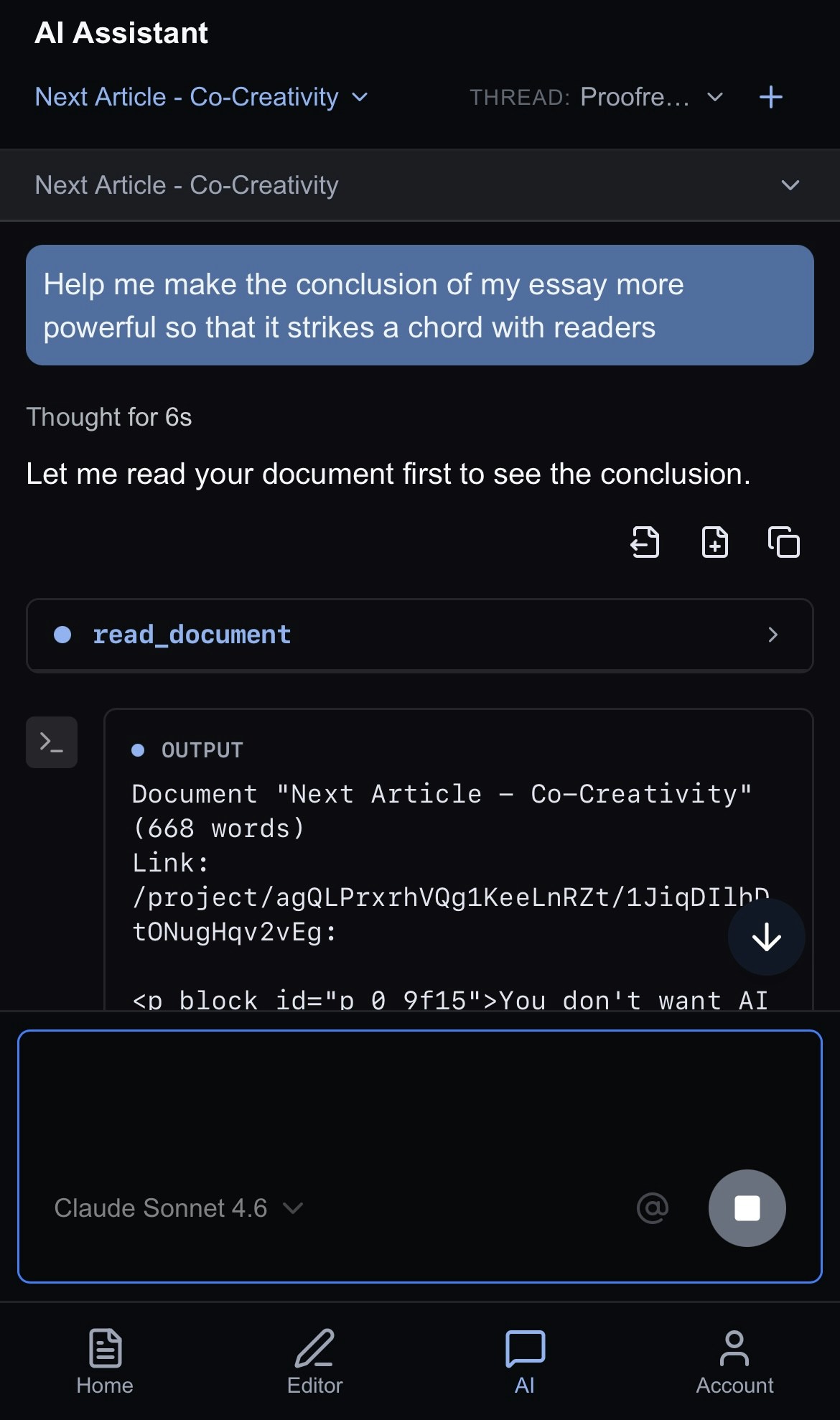
Ask Jeannie to rewrite your work, just chat with her like you would a colleague! Type your request, and she’ll work her magic. The new text pops up as a suggestion waiting for your approval. Don’t worry, Jeannie will never make direct edits without your approval.Want to give Jeannie even more context? Just use @ to pull in any document from any project. It’s a great way to help Jeannie understand exactly what you’re going for, all without breaking your flow or leaving what you’re working on.Examples:
- “Is my tone consistent in the intro of this doc and @OtherDoc?”
- “Ensure the points argued in this doc don’t contradict what I said in @OtherDoc.”
Iterate
Working with AI is all about iteration. Refine your prompt again and again until you get exactly what you want. It’s totally normal, and honestly, that’s where the magic happens:- Make an initial request.
- Review the changes.
- Ask for refinements: “Good, but make the ending stronger by looping back to the initial points in the opening sections and driving them home.”
Undoing Changes
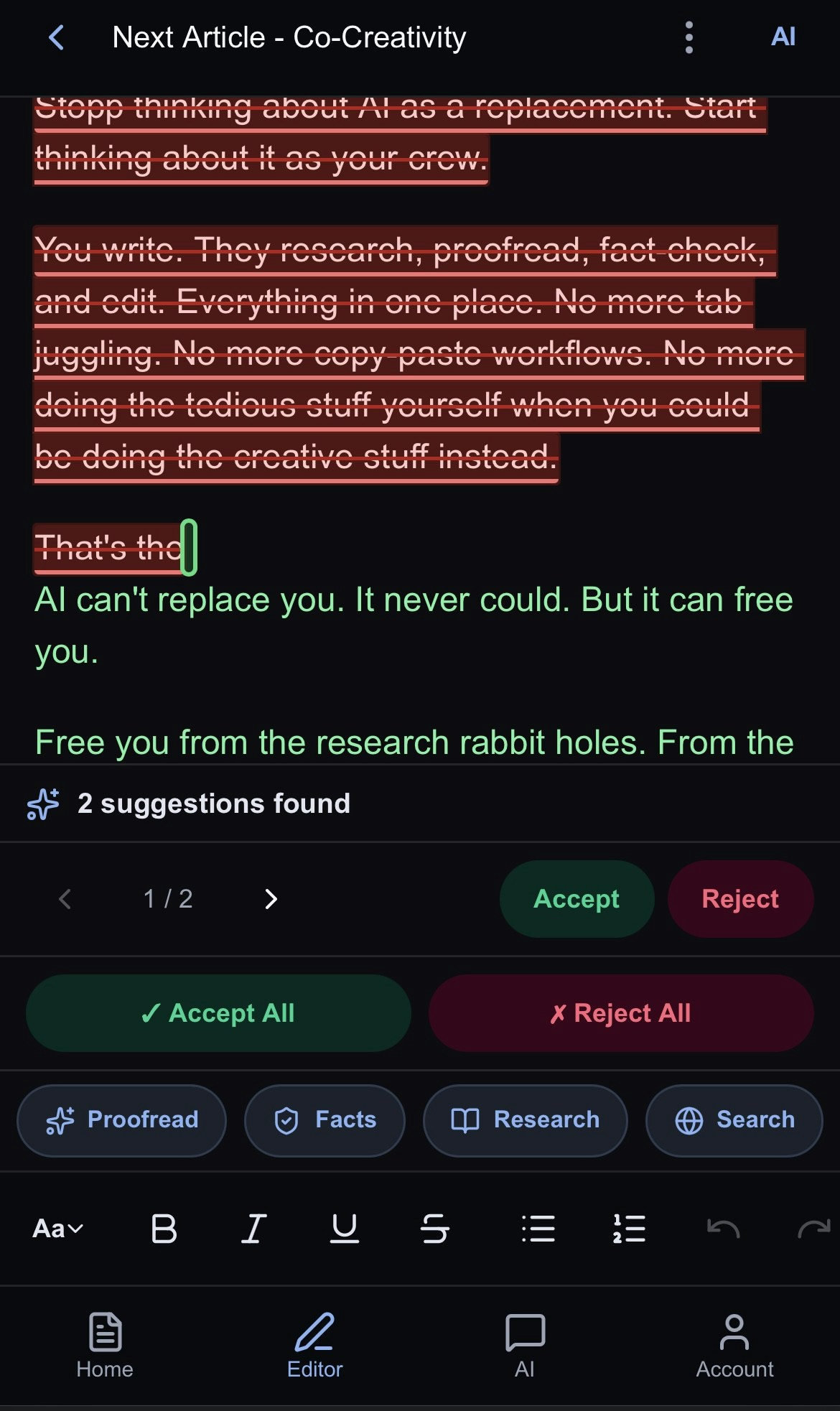
If an edit isn’t quite right:- Use Undo to revert.
- Ask the AI to try again with different guidance.
- Request specific adjustments to the edit.